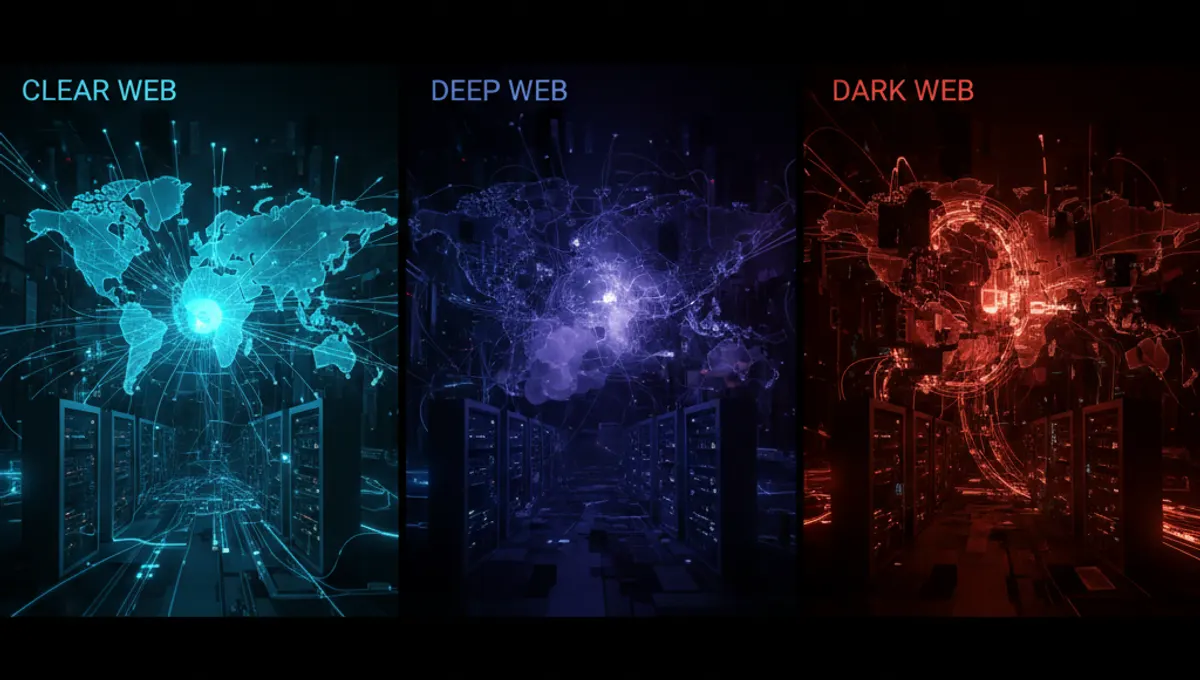
What Is the Deep Dark Web
The deep dark web refers to encrypted networks and services not indexed by standard search engines. The most common access point is Tor, a network that routes traffic through multiple relays to obscure your origin. The deep web is broader—it includes any non-indexed content like email inboxes or paywalled databases. The dark web is a subset of the deep web designed for anonymity. Understanding this distinction matters because access methods and risks differ. Tor is the primary tool for dark web access, but it's not the only encrypted network. The Tor Project maintains the open-source software; using the official version is critical for security.
How Deep Dark Web Access Works
Tor works by encrypting your traffic and routing it through a series of volunteer-operated relays. Each relay knows only the previous and next hop, not your origin or destination. This layered encryption is why it's called 'onion routing.' When you connect to Tor, your ISP sees that you're using Tor but not what you're accessing. Exit nodes decrypt the final layer and forward your request to the destination. The destination sees the exit node's IP, not yours. This architecture provides anonymity but isn't invisible—network analysis and timing attacks remain possible. Using Tor alone doesn't guarantee privacy; your behavior, the sites you visit, and what you do there all matter.
Step-by-Step Setup for Dark Web Access
- Download the Tor Browser from the official Tor Project website only. Verify the signature if you're on a security-conscious system.
- Install Tor Browser in a dedicated location. Do not modify default settings unless you understand the implications.
- Launch Tor Browser and wait for the connection to establish. The first connection may take 30–60 seconds.
- Once connected, your traffic routes through Tor. Test your connection using the built-in check.
- Access .onion sites by entering their addresses directly in the address bar. These addresses are long, randomized strings.
- For added security, consider running Tor Browser in a virtual machine or on Tails, a live operating system designed for anonymity.
- Keep Tor Browser updated. Security patches are released regularly.
Security and Anonymity Best Practices
Use a VPN before connecting to Tor for an additional layer of obfuscation, though this adds complexity and potential performance loss. Never maximize your browser window—fingerprinting scripts can identify you based on screen resolution. Disable JavaScript in Tor Browser settings if you're accessing sensitive content; JavaScript can leak your real IP. Do not open files downloaded from the dark web in your main operating system without scanning them first. Do not enable plugins like Flash or Java; they bypass Tor. Do not use the same username or email across different dark web identities. Do not assume .onion sites are trustworthy; many are honeypots or scams. Keep your operating system and all software patched. Consider using Whonix, which isolates Tor in a virtual machine, or Tails, which leaves no trace on your hard drive.
Common Mistakes and How to Avoid Them
Resizing your browser window is a common mistake—it creates a unique fingerprint. Logging into personal accounts while on Tor defeats anonymity. Torrenting over Tor is ineffective and can leak your IP. Assuming Tor makes you invulnerable is dangerous; it's a tool, not a guarantee. Running Tor Browser with other browsers simultaneously can lead to accidental unencrypted requests. Visiting the dark web without a clear purpose increases exposure to malware and illegal content. Using outdated versions of Tor Browser leaves you vulnerable to known exploits. Clicking on suspicious links or downloading files from untrusted sources is risky. Not understanding what you're accessing before you access it can lead to legal or security problems. Test your setup in a controlled environment first.
Deep Web and Dark Web: Key Differences
The deep web includes all non-indexed content: medical records, academic databases, corporate intranets, and paywalled news sites. Most of the deep web is mundane and accessed through normal browsers. The dark web is intentionally hidden and requires specific software like Tor. Dark web sites use .onion addresses and are designed for anonymity. Not all dark web content is illegal, but the anonymity attracts both legitimate privacy advocates and criminals. Deep web access typically requires credentials or membership. Dark web access requires Tor Browser and an understanding of security risks. Conflating the two leads to misconceptions. Most people access the deep web daily without realizing it. The dark web is a smaller, more specialized subset.
Best Browser and Tools for Dark Web Access
Tor Browser is the standard and most secure option for dark web access. It's maintained by the Tor Project and includes all necessary security configurations by default. Do not use regular browsers like Chrome or Firefox on the dark web; they leak identifying information. Tails is a live operating system that routes all traffic through Tor and leaves no trace. Whonix is a virtual machine setup that isolates Tor from your main system. Both Tails and Whonix add security layers but require more technical knowledge. For casual dark web browsing, Tor Browser alone is sufficient if you follow security practices. For high-risk scenarios, Tails or Whonix are preferable. Always download from official sources only. Avoid third-party builds or modified versions.
Frequently asked questions
Is accessing the dark web illegal?
Accessing the dark web itself is legal in most countries. Using it for illegal activities is not. The dark web is a tool; legality depends on what you do with it. Many people use it for legitimate privacy, research, or accessing information in censored regions. Law enforcement monitors dark web activity, so assume nothing is truly hidden.
How do I find .onion addresses?
This site maintains a Verified Market page with current, legitimate .onion addresses. Do not search for addresses on regular search engines or social media. Avoid clicking links from untrusted sources. Many .onion sites change addresses frequently for security. Bookmark only official project sites and verified directories.
Can I be traced while using Tor?
Tor provides strong anonymity, but it's not perfect. Advanced attackers with network-level access or those running Tor exit nodes can potentially correlate traffic. Your behavior can also deanonymize you—logging into personal accounts, using unique usernames, or visiting identifying sites. Assume you can be traced if you're careless. Tor protects against casual monitoring, not determined adversaries.
What's the difference between Tor Browser and a VPN?
Tor routes traffic through multiple relays; a VPN routes it through a single server. Tor is slower but more anonymous. VPNs are faster but require trusting the VPN provider. They serve different purposes. For dark web access, Tor is necessary. A VPN before Tor adds a layer but isn't required for basic use.
Do I need a VPN with Tor?
No, but some users add a VPN before Tor for additional obfuscation. Your ISP won't see Tor traffic if you use a VPN first. However, this adds complexity and potential performance loss. For most users, Tor Browser alone is sufficient. If your ISP blocks Tor, a VPN can help. Understand the trade-offs before combining them.